Hello everyone, so Popsquare does some things differently than you might be used to. Hopefully this can explain how to do some popular things on the forum
How to format text
So to format text like placing text in the centre, left/right hand side of the screen this is done a little differently.
To the make the text be in centre you have to do this:
<div align="center">
Your text goes here
</div>
To make the text go to the right you do this:
<div align="right">
Your text goes here
</div>
To make the text go to the left hand side:
<div align="left">
Your text goes here
</div>
Bbcode
So some BBCode stuff will work as you expect. Some for example
[b]This will make your text bold[/b]
GIF/Image Embeds
To embed GIFs & Images, paste the link into your post and press the “enter” key. The gif should show up as long as it’s a supported host. As of now, we know that Imgur doesn’t work. Other hosting services should be fine.
<img src="insert_img_here.png"></img>
The forum also supports Markdown. So if you know Markdown this will work for formatting around the forum. Here is a good resource if you’d like to learn more about how to do Markdown formatting. To use the Markdown editor, click this button:
If you come across anything else or have any questions, post it in here and we can update the main post as we go along.
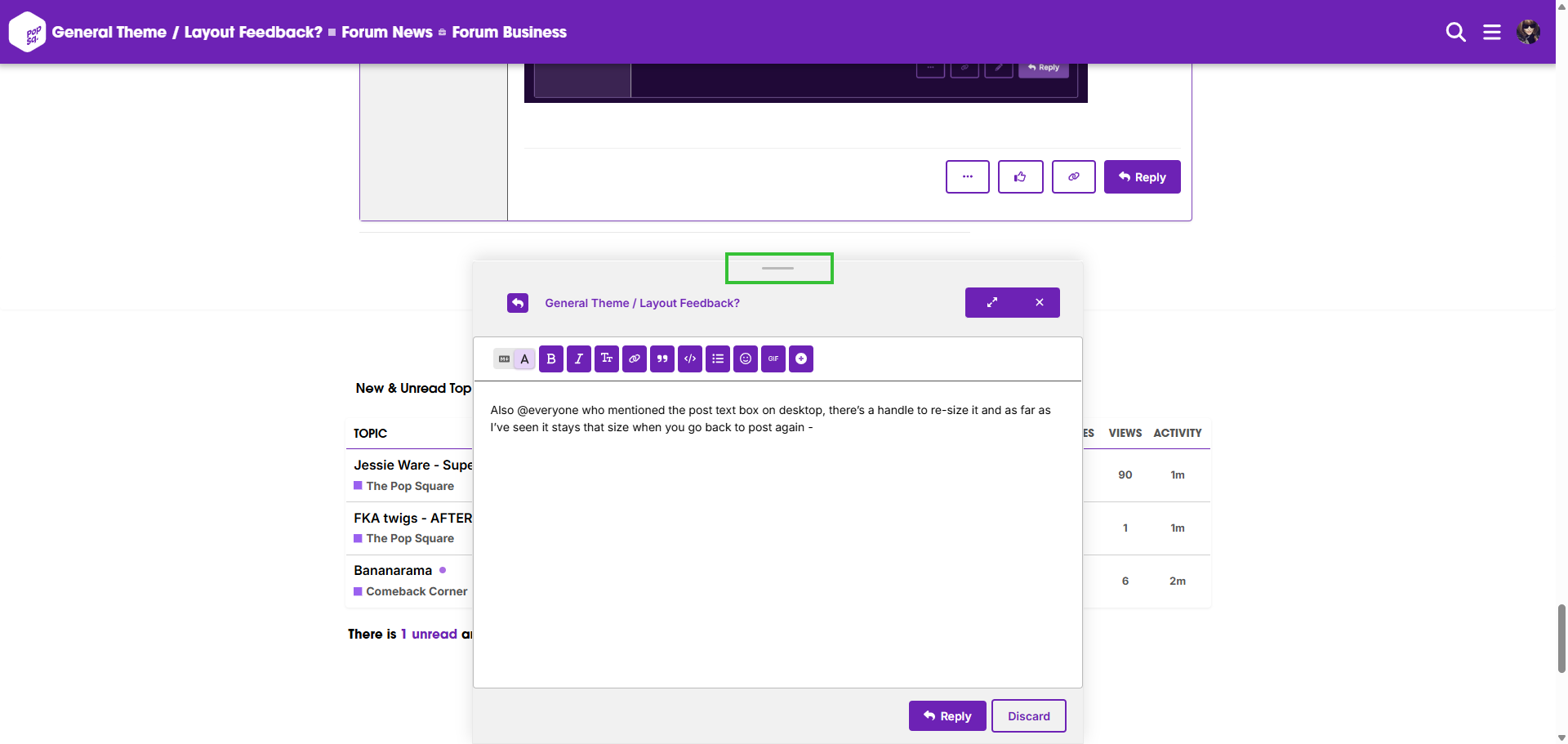
Is there a way to expand the quick reply box by default? If you write anything larger than 1 one line, it doesn’t expand ith your text and you have to scroll up to see what you wrote. But then the full expansion hides the previous posts. I’d basically want it to always be as big as the “edit” post box.
edit I just saw that @Sanctuary mentioned this in the Technical Feedback post, maybe this should have gone there. Anyway!
For instagram embeds in order to be able to do it you need to create a developer account with Meta and then verify your business in order to be able to allow instagram embeds to work. The verification process involves proving your business actually exists by giving over documents which would mean registering Popsquare as a legitimate business in the UK. It’s far too much hassle for such a small thing.
Is there anyway to view all new posts on the whole forum? For example, on the other space I would log in and go to view new posts and then I would open the topics I was interested in and mark the others as read. It made staying in the know a bit easier? Maybe I’m ignorant, but I’m struggling to find that out?
Yes, that appears to be what I’m after, but there’s no way to clear it as being “viewed” or seen, if that makes sense? Like, I’d like to mark it as read so that the next time I come here I don’t have to think like oh maybe something new was posted? Am I making sense? It’s 0530AM where I’m at. Haha.
I’m trying to make sense of how / when the yellow notifications pop up over your top-right profile image.
Seems like there are a load of replies / post likes you only see if you click into the notifications summary? Any way to bring it back in line with how the PJ forum worked?
Thanks guys for attempting to help! I appreciate it. It appears the “new” category only tracks new topics that are made rather than new posts. Maybe one a count tracker is installed, that would create the feature I’m referring to? Who knows! Maybe just growing pains and ch-ch-changes.
Is there any way to change the text on the drop down menu when you click on your profile picture to white? Right now it’s black text on dark purple background and it’s really hard to read!
If you go into your Preferences, you can modify the notification settings. If you set it to “Always”, it should work a bit more like PJ did. I just modified the setting universally so that should work for everybody now, but if anyone would prefer not to have that - feel free to take a look!
It looks like everyone wants the scroll bar back. I’m gonna see if I can take a look at that today. It’s embedded in the theme code so it might take a little while to get going ffff but I didn’t realize that users could apply alternative themes by default, so if not having it is too much trouble, feel free to change yours for now. It’s clear the theming needs some work. Unfortunately you don’t find out about a lot of things until you have a few hundred people testing it. Work is gonna be a little chaotic for me today but I’ll be poking around at things afterwards/over the weekend (and when I have free time today because I can’t stop myself!).
GIPHY integration should be working now, but there’s a rate limit since our API account is currently set to “testing”. They require some additional info/proper testing of the feature before enabling full use so if you get rate limited, that’s why.
Getting a proper image embed button is proving to be more work than anticipated. Sorry that the lack of image uploads is annoying, but it’s one of those things that will make the admins life hell if we don’t control it. Long-term costs for hosting + having to be accountable for every file uploaded on here means that it’s a sacrifice that will have to be made.
I’m not one of the experts on the staff who set all of this up, but I’m keeping an eye on everything and trying to make appropriate changes when requested, so just bare with us for the time being xoxo.